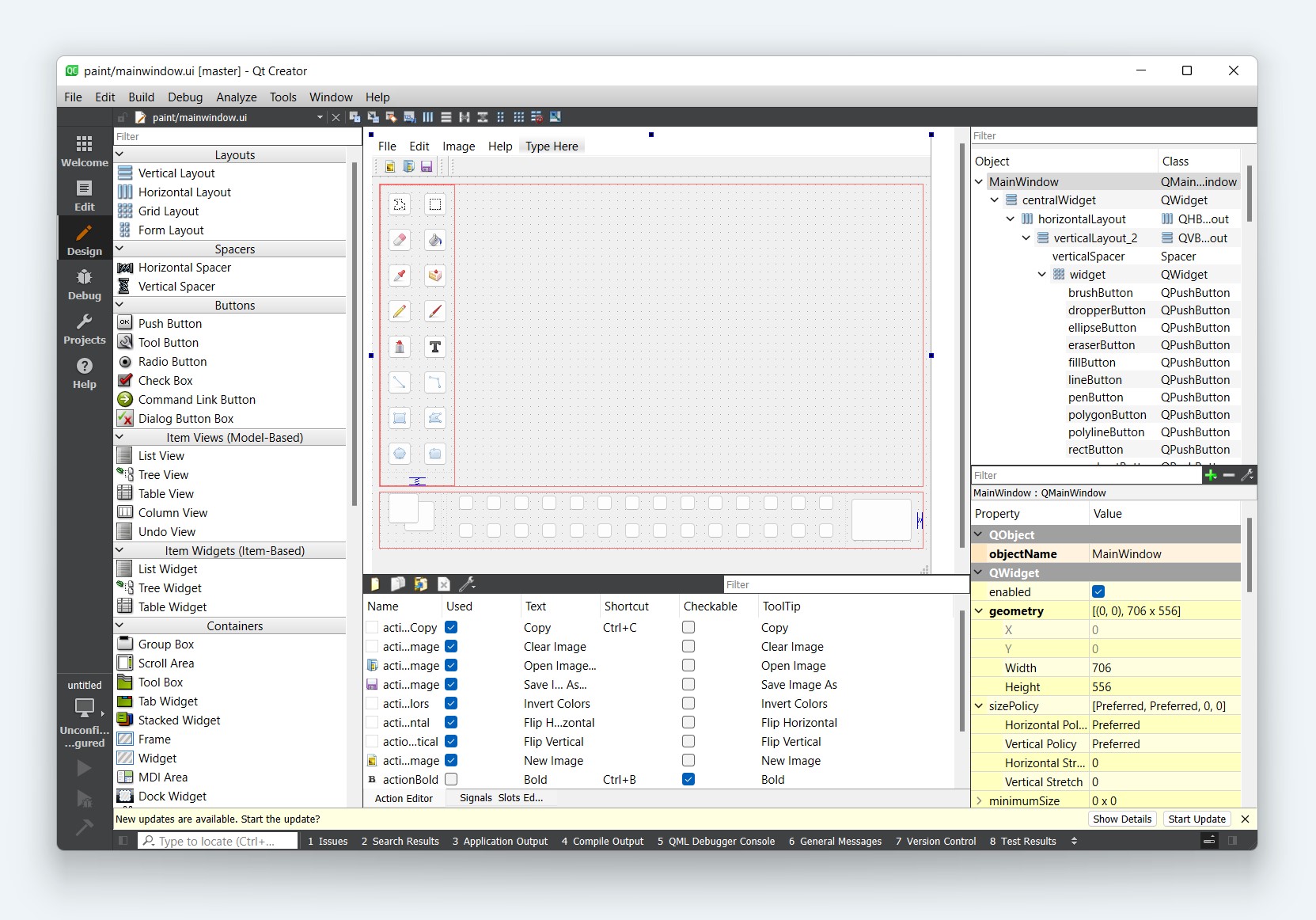
So far we have been creating apps using Python code. This works well in many cases, but it can get a bit cumbersome to define all widgets programmatically. The good news is that Qt comes with a graphical editor — Qt Designer — which provides a drag-and-drop UI editor. Using Qt Designer, we can define our UIs visually and then simply hook up the application logic later.
- Take your first steps with Qt Designer and find out how to create UIs and use them in Python
- Work through how to lay out your UIs in Designer to get the hang of how Qt Designer works
- Learn how to create custom Dialogs with Designer and use them in your apps
If you're upgrading from PyQt5, note that the Qt resource system (including QResource) is not available in PyQt6.