Before you start the PyQt5 tutorial you will need to have a working installation of PyQt5 on your system. If you don't have either set up yet, the following steps will guide you through how to install PyQt5 on macOS.
This guide is also available for Linux and Windows.
Note that the following instructions are only for installation of the GPL licensed version of PyQt. If you need to use PyQt in a non-GPL project you will need to purchase an alternative license from Riverbank Computing to release your software.
Install PyQt5 on macOS Using pip
The fastest way to install PyQt5 on macOS is with pip. If you already have a working installation of Python 3, you can go ahead and install PyQt5 as for any other Python package, using the following command --
pip3 install pyqt5
If you don't have an installation of Python 3, you will need to install one first. You can download macOS installers for Python 3 from the Python homepage. Once installed, you should be able to use the pip3 install command above to install PyQt5.
Verify PyQt5 Installation
After installing, you can confirm that PyQt5 is working correctly by running a quick check in the terminal --
python3 -c "from PyQt5.QtWidgets import QApplication; print('PyQt5 installed successfully')"
If you see PyQt5 installed successfully printed, your installation is complete and ready for Python GUI development.
Install PyQt5 on macOS Using Homebrew
Another alternative is to use Homebrew. Homebrew is a package manager for command-line software on macOS. Homebrew has both Python 3 and PyQt5 available in their repositories, making it a convenient option for managing your development environment.
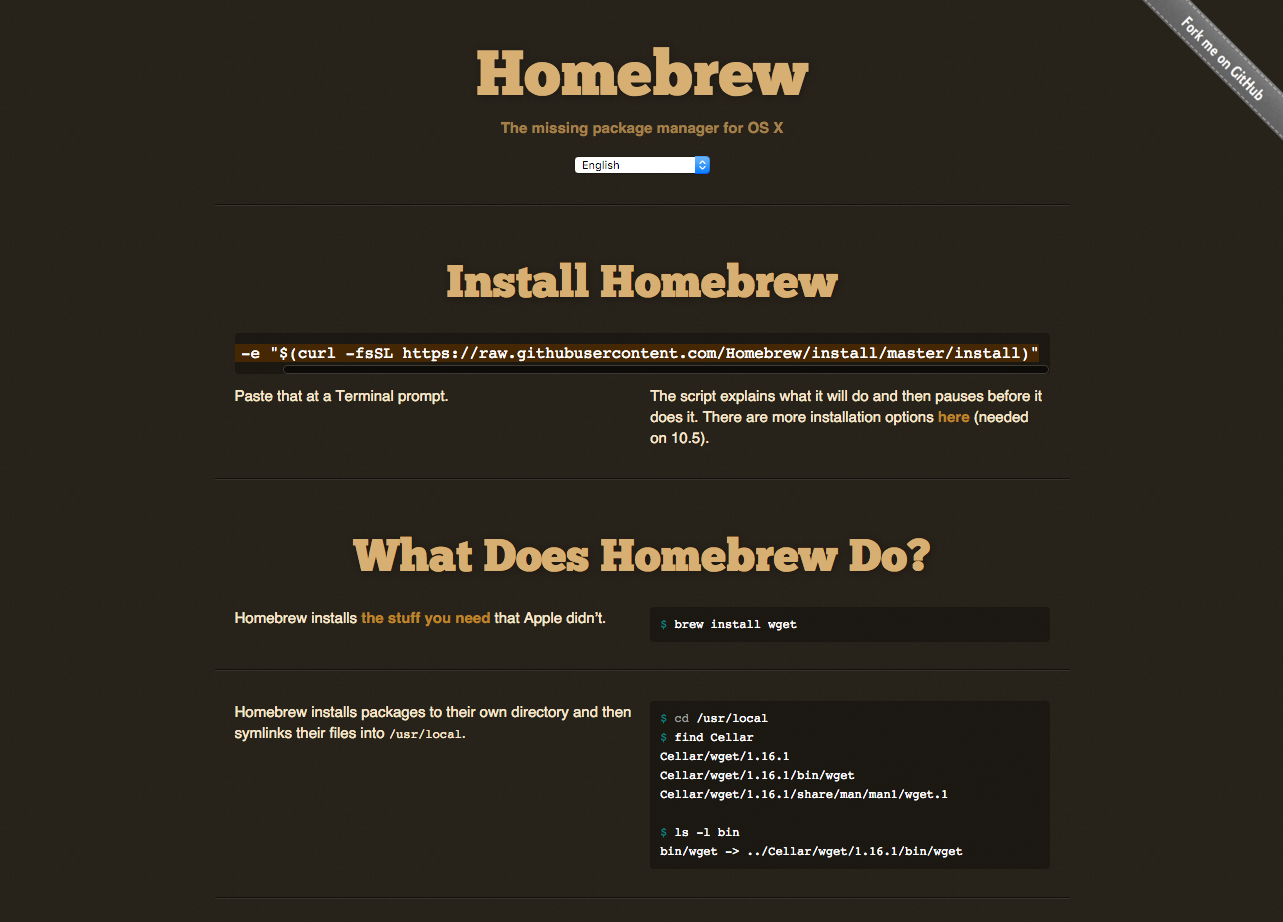 Homebrew -- the missing package manager for macOS
To install Homebrew, run the following from the command line --
ruby -e "$(curl -fsSL https://raw.githubusercontent.com/Homebrew/install/master/install)"
This is also available to copy and paste from the Homebrew homepage.
Install Python 3 with Homebrew
Once Homebrew is installed you can then install Python 3 with --
brew install python3
Install PyQt5 with Homebrew or pip
With Python installed, you can then install PyQt5 as normal, using pip3 install pyqt5, or alternatively choose to install it using Homebrew with --
brew install pyqt5
Troubleshooting Common PyQt5 Installation Issues on macOS
If you run into problems while installing PyQt5 on macOS, here are a few common fixes:
pip3: command not found— Make sure Python 3 is installed and added to your PATH. If you installed Python via Homebrew, try restarting your terminal.- Permission errors — Use
pip3 install --user pyqt5to install without requiring administrator privileges, or use a virtual environment. - Import errors after installation — Ensure you're running the correct Python version with
python3 --versionand that PyQt5 was installed for the same Python installation.
Next Steps
With PyQt5 successfully installed on your Mac, you're ready to start building Python GUI applications. Head over to our PyQt5 tutorial to create your first desktop application.
Packaging Python Applications with PyInstaller by Martin Fitzpatrick
This step-by-step guide walks you through packaging your own Python applications from simple examples to complete installers and signed executables.
