So far we have been creating apps using Python code. This works well in many cases, but it can get a bit cumbersome to define all widgets programmatically. The good news is that Qt comes with a graphical editorQt Designer — which contains a drag-and-drop UI editor. Using Qt Designer you can define your UIs visually and then simply hook up the application logic later.

If you're going to be distributing your applications, you might also want to take a look at the QResource framework which simplifies bundling data files (like icons) with your applications.
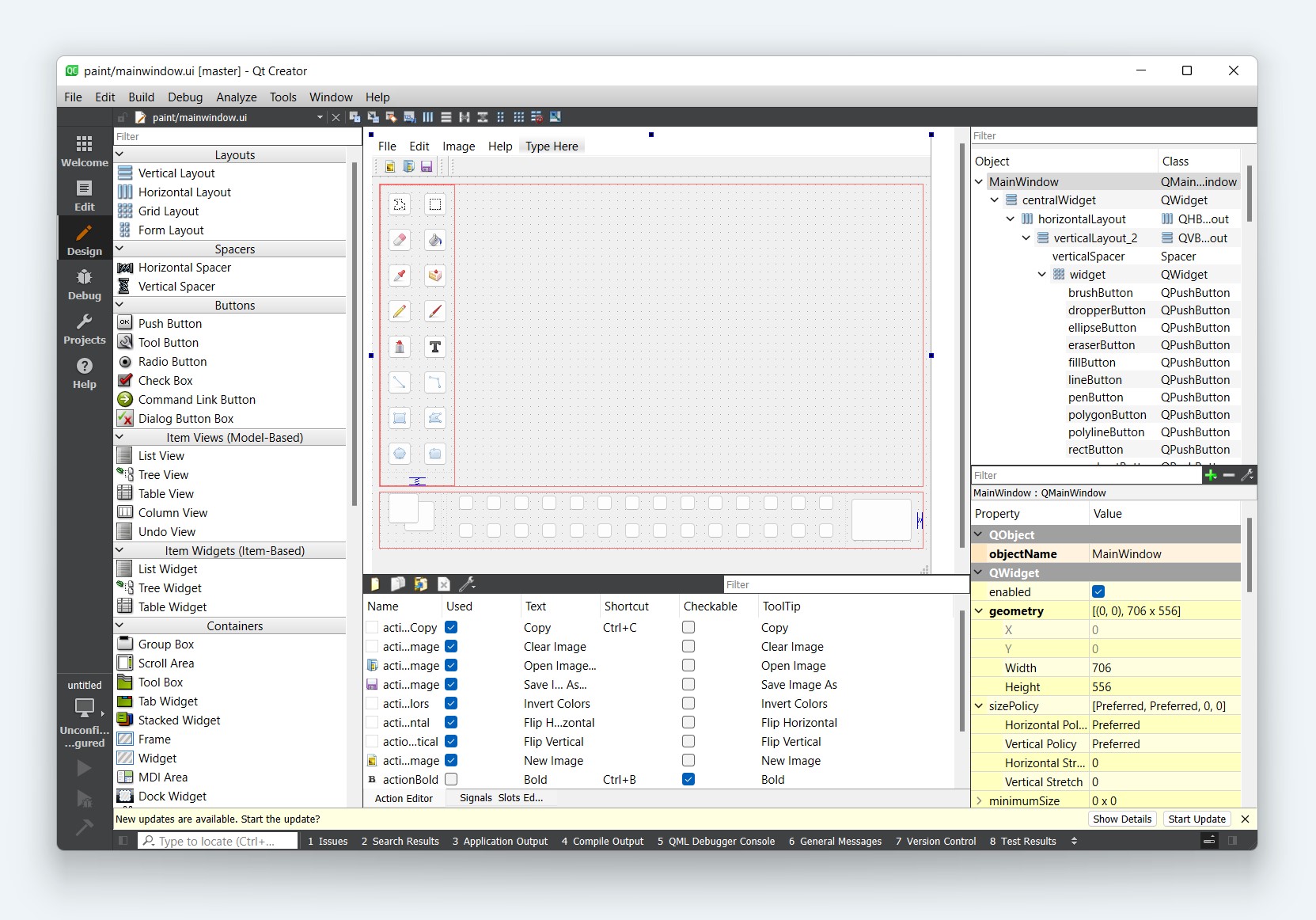
Explore Using Qt Designer with PySide6

Using Qt Designer with PySide6

How Do I Display Images in PySide6?

Using QLabel and QPixmap to easily add images to your applications

Install Qt Designer Standalone

Qt Designer Download for Windows, Mac and Linux

The QResource System in PySide6

Using the QResource system to package additional data with your applications

Embedding Custom Widgets from Qt Designer in PySide6

Learn how to use custom widgets in your PySide6 applications when designing with Qt Designer

Creating Dialogs With Qt Designer and PySide6

Using the drag and drop editor to build PySide6 dialogs

Laying Out Your PySide6 GUIs With Qt Designer

Use Qt Designer to effortlessly build your application UI

PySide6 Tutorial Now Available

Complete PySide course, updated for PySide2 & PySide6

First Steps With Qt Designer and PySide6

Use Qt Designer's drag and drop interface to design your GUI

Image inserted in label using Qt Designer does not load from Python

How to compile and use Qt resource files so images appear in your application

Are there any built-in QIcons?

Using built-in icons for your apps.