Hello! With the release of Qt6 versions of PyQt and PySide the course was getting a little crowded. So, today I've split the PySide tutorials into their own standalone PySide2 course and PySide6 course.
The tutorials have all been updated for PySide2 & PySide6, with some additional improvements based on the latest editions of the book.
This first update includes the following PySide6 tutorials —
Table of contents
- Getting Started Creating Python GUIs with PySide6
- Using Qt Designer with PySide6
- Extended UI Features in PySide6
- Multithreading PySide6 Applications with QThreadPool & QProcess
- Qt Model Views in PySide6
- PySide6 Plotting & Graphics with Matplotlib and PyQtGraph
- Bitmap Graphics and Custom Widgets in PySide6
- Packaging PySide6 Applications for Distribution
Getting Started Creating Python GUIs with PySide6
- Creating your first app with PySide A simple Hello World! application with Python and Qt.
- Signals, Slots & Events Triggering actions in response to user behaviors and GUI events.
- Widgets Using PySide's built-in widgets to build your applications.
- Layout management Use layouts to effortlessly position widgets within the window.
- Actions — Toolbars & Menus Defining toolbars, menus and keyboard shortcuts with QAction.
- Dialogs and Alerts Notify your users and ask for their input.
Using Qt Designer with PySide6
- First steps with Qt Designer Use Qt Designer's drag and drop interface to design your GUI.
- Laying Out Your GUIs With Qt Designer Use Qt Designer to effortlessly build your application UI.
- Embedding custom widgets from Qt Designer Learn how to use custom widgets in your PySide6 applications when designing with Qt Designer.
- Creating Dialogs With Qt Designer Using the drag and drop editor to build PySide6 dialogs.
- The QResource System Using the QResource system to package additional data with your applications.
Extended UI Features in PySide6
- System tray & Mac menu bar applications Add quick access functions to your apps.
- Add scrollable regions with QScrollArea Run out of space in your GUI? Add a scrollable region to your application.
- Creating searchable widget dashboards Make dashboard UIs easier to use with widget search & text prediction.
- Transmitting extra data with Qt Signals Modifying widget signals to pass contextual information to slots.
- Creating additional windows Opening new windows for your application.
Multithreading PySide6 Applications with QThreadPool & QProcess
- Multithreading PySide6 applications with QThreadPool Run background tasks concurrently without impacting your UI.
- Using QProcess to run external programs Run background programs without impacting your UI.
Qt Model Views in PySide6
- The ModelView Architecture Qt's MVC-like interface for displaying data in views.
- Displaying tabular data in ModelViews Create customized table views with conditional formatting, numpy and pandas data sources.
PySide6 Plotting & Graphics with Matplotlib and PyQtGraph
- Plotting with PyQtGraph Create custom plots in PySide6 with PyQtGraph.
- Plotting with Matplotlib Create PySide6 plots with the popular Python plotting library.
Bitmap Graphics and Custom Widgets in PySide6
- QPainter and Bitmap Graphics Introduction to the core features of QPainter.
- Creating custom GUI widgets in PySide6 Build a completely functional custom widget from scratch using QPainter.
Packaging PySide6 Applications for Distribution
- Packaging PySide2 applications for Windows, with PyInstaller Turn your Qt5 application into a distributable installer for Windows.
- Packaging PySide apps with fbs Distribute cross-platform GUI applications with the fman Build System.
That's all for now!
You can also still access the PyQt5 tutorial and PyQt6 tutorial.
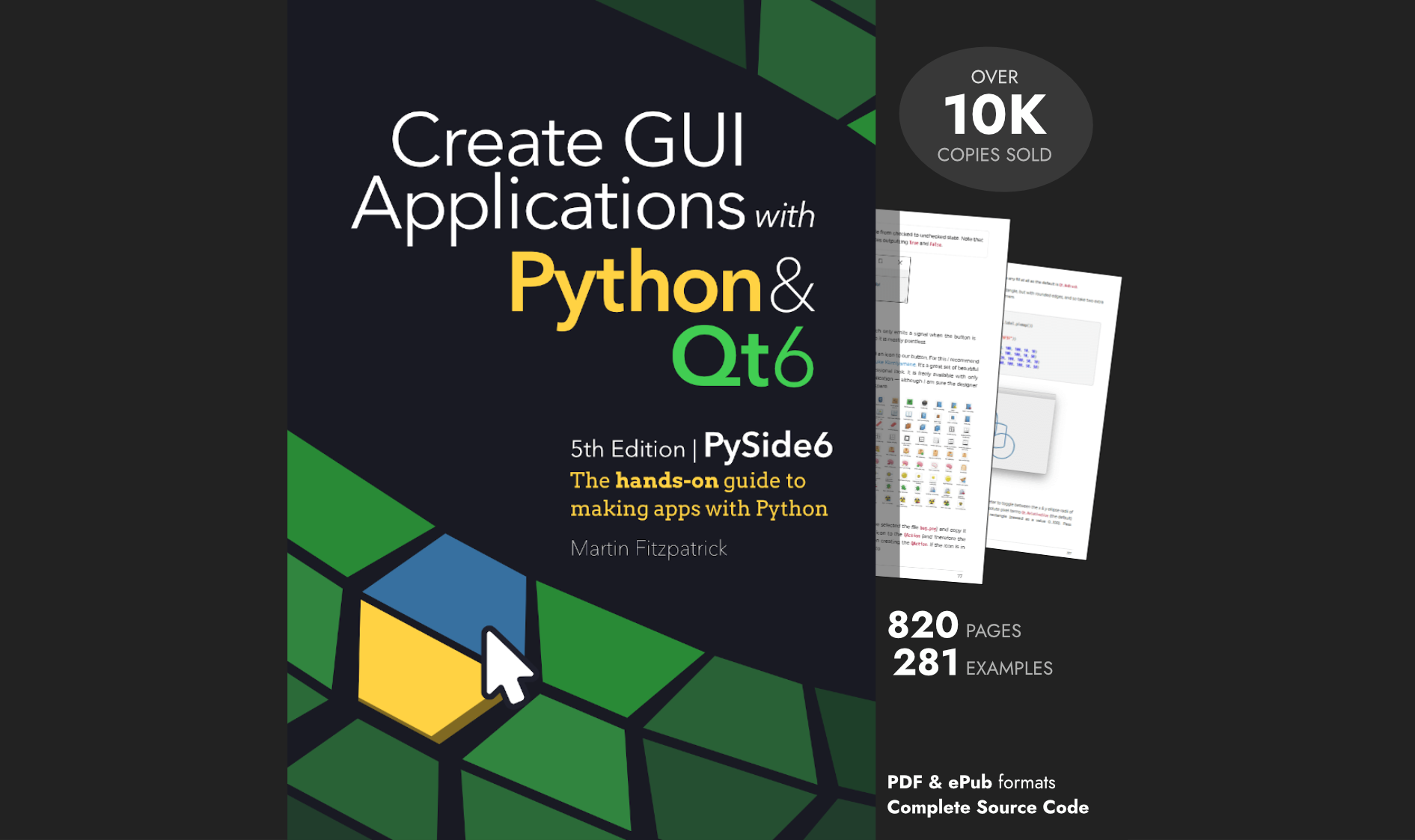
Over 15,000 developers have bought Create GUI Applications with Python & Qt!
[[ discount.discount_pc ]]% OFF for
the next [[ discount.duration ]]
[[discount.description ]]
with the code [[ discount.coupon_code ]]
Purchasing Power Parity
Developers in [[ country ]] get [[ discount.discount_pc ]]% OFF on all books & courses with code [[ discount.coupon_code ]]
[[ user.completed.length ]] completed
[[ user.streak+1 ]] day streak
