PySide2 has two APIs for building GUIs. We've already introduced the Qt Widgets API which is well-suited for building desktop applications. Qt also provides a declarative API in the form of Qt Quick/QML. Qt Quick is well suited for building modern touchscreen interfaces for microcontrollers or device interfaces.
What is QML?
QML (Qt Modeling Language) is a declarative language that allows you to describe user interfaces in terms of their visual components and how they interact. Combined with Qt Quick, it provides a powerful framework for creating fluid, animated UIs directly from Python using PySide2.
With PySide2 and QML, you can separate your UI design from your application logic — writing the interface in QML while handling business logic in Python. This makes it easier to build responsive, modern interfaces for embedded systems, touch devices, and desktop applications alike.
PySide2 QML Tutorials
- Get started building your first QML/Qt Quick application — learn how to set up a PySide2 project with QML and display your first Qt Quick window.
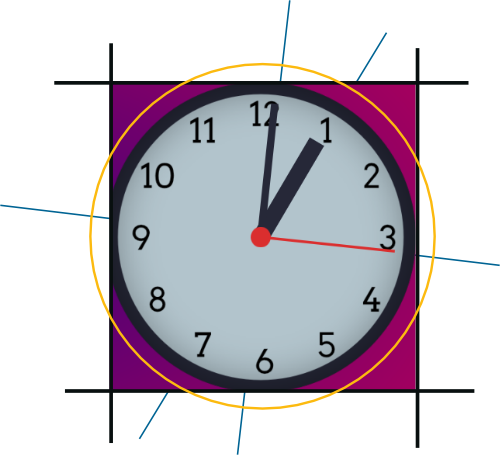
- Learn about QML animations and transformations by building an analog desktop clock — explore rotation, scaling, and smooth animations in QML.