So far we have been creating apps using Python code. This works well in many cases, but it can get a bit cumbersome to define all widgets programmatically. The good news is that Qt comes with a graphical editor — Qt Designer — which contains a drag-and-drop UI editor. Using Qt Designer you can define your UIs visually and then simply hook up the application logic later.
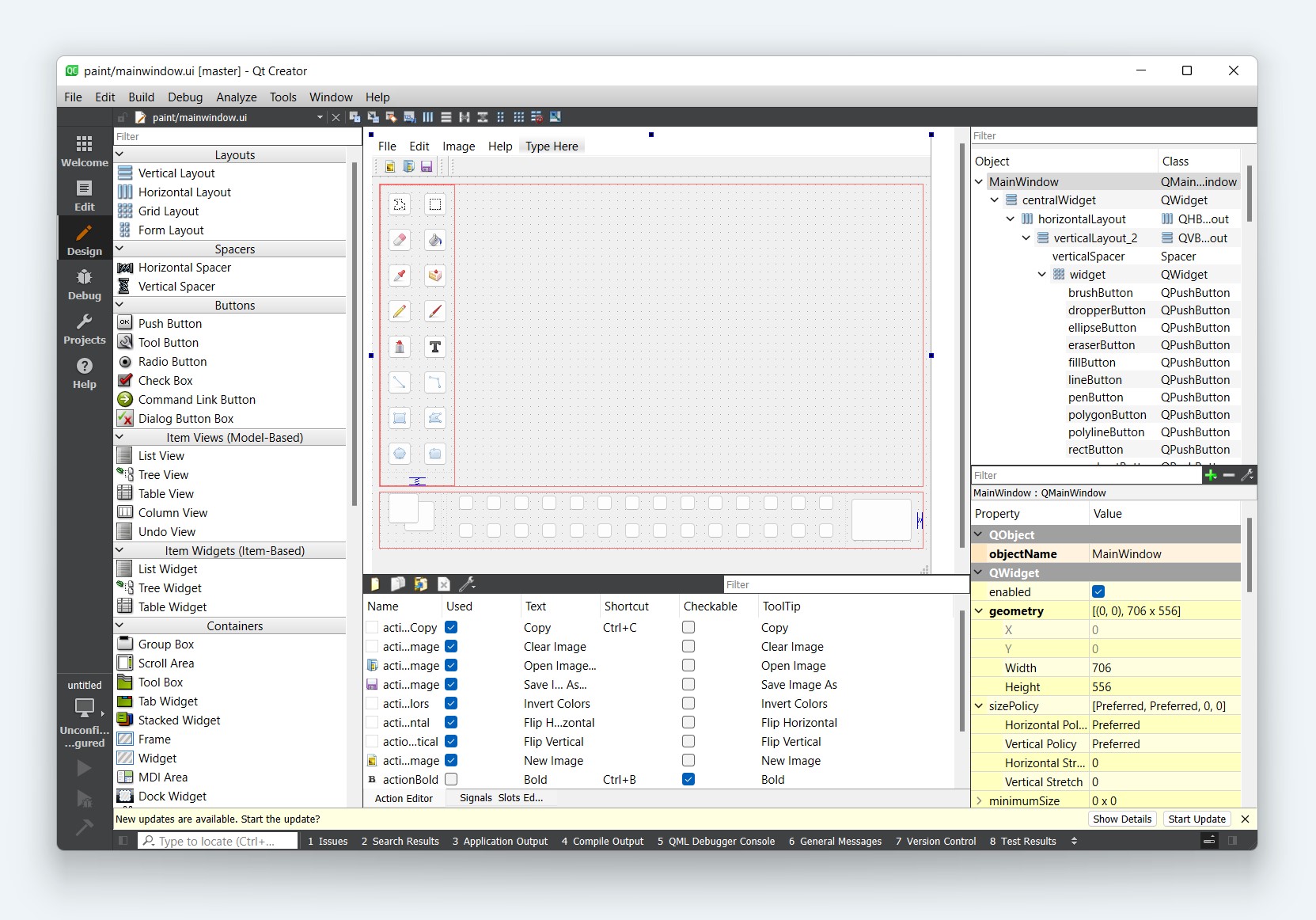
Explore Qt Designer

Qt Designer
Showing articles for All (39) PyQt6 (11) PySide6 (7) PyQt5 (9) Streamlit (0) Tkinter (0) PySide2 (7) Kivy (0)

Debugging widgets not appearing in Qt applications

How to figure things out when something goes wrong

Laying Out Your PySide2 GUIs With Qt Designer

Use Qt Designer to effortlessly build your application UI

How do I display an Image in PySide2?

Using QLabel and QPixmap to easily add images to your PySide2 applications

Loading .ui Files in Python — Working with QWidget and QDialog Forms

How to import any Qt Designer .ui file into your Python application and interact with its widgets

Are there any built-in QIcons?

Using built-in icons for your apps.

Opening a subwindow from a button event

How to open a second window from a button click using PyQt6 and Qt Designer .ui files

Using Qt Designer .ui Files with fbs for PyQt5 Packaging

Load your Qt Designer interfaces directly in fbs-based applications without converting to Python

Fixing "No module named plotwidget" when using PyQtGraph with Qt Designer

How to correctly promote a widget to PyQtGraph's PlotWidget in your .ui files

First Steps With Qt Designer and PySide2

Use Qt Designer's drag and drop interface to design your PySide2 GUI

Laying Out Your PyQt5 GUIs With Qt Designer

Use Qt Designer to effortlessly build your application UI

Embedding Custom Widgets from Qt Designer in PySide2

Learn how to use custom widgets in your PySide2 applications when designing with Qt Designer

Embedding Custom Widgets from Qt Designer in PyQt5

Learn how to use custom widgets in your PyQt5 applications when designing with Qt Designer

First Steps With Qt Designer and PyQt5

Use Qt Designer's drag and drop interface to design your PyQt5 GUI

Calculon — Build a Desktop Calculator with PyQt

Create a fully functional calculator app using PyQt5 and Qt Designer
1 2