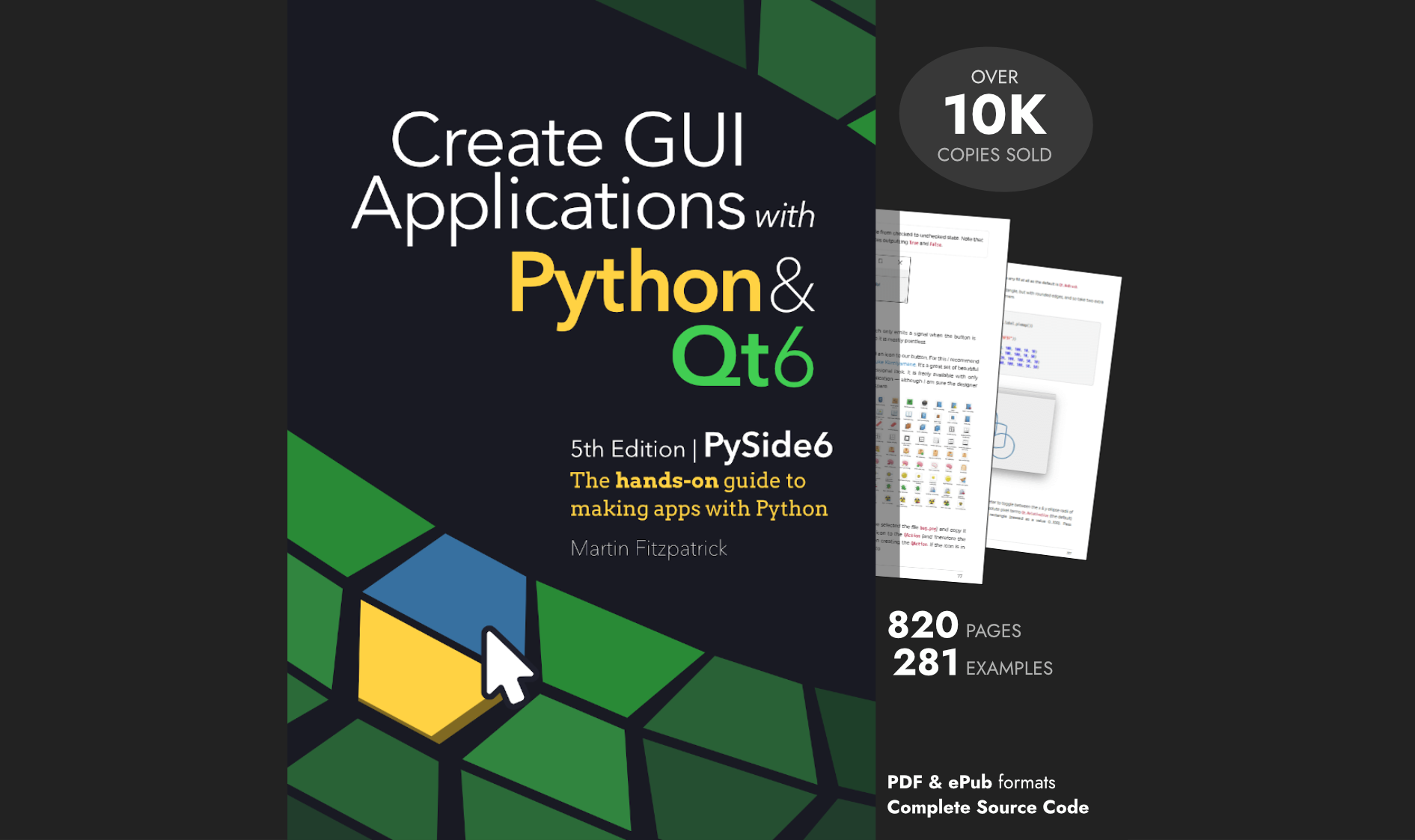
Hello! This morning I released a new update to my PyQt5 book Create GUI Applications, with Python & Qt5. This is an enormous update, expanding it from 258 to 665 pages and adding 211 complete code examples.
To celebrate the milestone the book is available this week with 20% off. Readers get access to all future updates for free, so it's a great time to snap it up!

- What's New in the 4th Edition
- Updated Chapters with Cross-Platform Screenshots
- Model Views and SQL Databases in PyQt5
- Styling and Theming Qt Applications
- Building Custom Widgets and Bitmap Graphics
- Concurrent Programming with Threads and Processes in PyQt5
- Data Visualization with Matplotlib and PyQtGraph
- PySide2 Edition Also Available
What's New in the 4th Edition
This is the 4th Edition of the book and adds a number of entirely new chapters including MVC-like model views, SQL database views, plotting with matplotlib & PyQtGraph, custom widgets & bitmap graphics, concurrent programming with threads and processes, and theming Qt applications.
Existing chapters have been expanded with more examples and step-by-step guides to using them. All source code shown in the book is available as standalone, runnable examples to try out and experiment with.
Updated Chapters with Cross-Platform Screenshots

Chapters have been updated and expanded with new examples and more detailed explanations and diagrams. Cross-platform screenshots show how your Python GUI application will look on Windows, macOS, and Linux. Starting from the basic principles of Python GUI development and building up to more complex topics.
Model Views and SQL Databases in PyQt5

Learn how to use Qt's MVC-like model views architecture to sync data with widgets, including querying and editing SQL databases from within your Python applications. This chapter covers QTableView, QListView, and custom model implementations to display and manipulate structured data.
Styling and Theming Qt Applications

PyQt/PySide Development Services — Stuck in development hell? I'll help you get your project focused, finished and released. Benefit from years of practical experience releasing software with Python.
Tired of the default application look? Use styles, palettes and Qt Style Sheets (QSS) to completely customize the look and feel of your Python desktop applications.
Building Custom Widgets and Bitmap Graphics

Discover how to create your own custom widgets to use in your Qt applications. Starting from the basics of bitmap graphics with QPainter and building up to fully customizable widgets you can reuse across projects.
Concurrent Programming with Threads and Processes in PyQt5

Use QThread, QRunnable, and Python's multiprocessing to perform long-running calculations or communicate with remote services, without locking up your applications. Receive data back from threads and processes and display progress bars. Stop and pause running jobs from your UI.
Data Visualization with Matplotlib and PyQtGraph

Visualize data inside your Python GUI applications using matplotlib or PyQtGraph. Embed interactive plots directly into your PyQt5 windows and sync them with external threads to create live updating dashboards that visualize data in real-time.
PySide2 Edition Also Available
There is also a PySide2 edition of the book available, which features largely the same content, with all examples converted to use Qt for Python (PySide2). Purchasing either book gets you access to both editions, including any future updates of either.
Feedback, as always is very welcome!
Get the PyQt5 book Get the PySide2 book