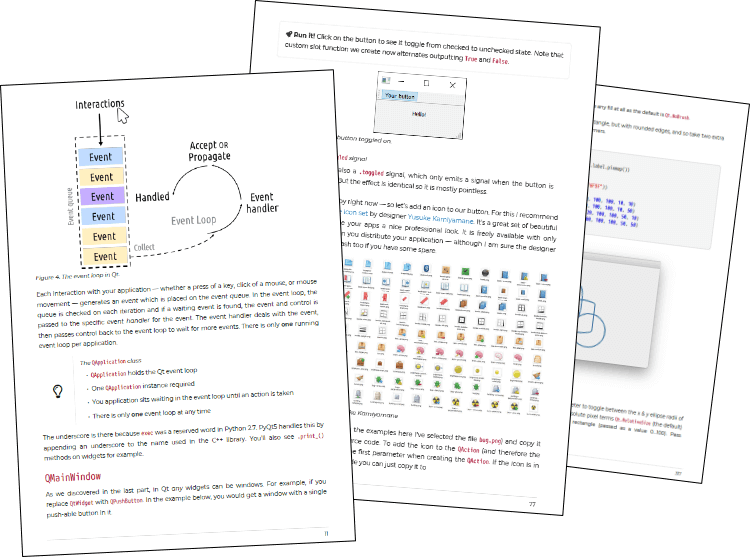
Widgets, layouts & signals
Start from the very basics of creating a window, then learn the building blocks of every PyQt5 app — widgets, layouts and signals — and how the event loop responds to your users.
PyQt5 · 5th Edition · Updated May 2024
Tired of piecing together incomplete and out-of-date examples? This is the hands-on guide that takes you from your first window to complete, professional applications with PyQt5 — with well-designed, modern solutions to real problems.
Downloadable ebook (PDF, ePub) & Complete Source code · 30-day money-back guarantee
20,000+ copies sold · 750+ pages · 280+ code examples
Using a different library? See other editions:
Start here
The book starts from first principles — your first window, your first button — and builds, chapter by chapter, to complete applications.
import sys
from PyQt5.QtWidgets import QApplication, QMainWindow, QPushButton


class MainWindow(QMainWindow):
    def __init__(self):
        super().__init__()
        self.setWindowTitle("My App")

        button = QPushButton("Press Me!")
        button.clicked.connect(self.the_button_was_clicked)
        self.setCentralWidget(button)

    def the_button_was_clicked(self):
        print("Clicked!")


app = QApplication(sys.argv)
window = MainWindow()
window.show()
app.exec_()
$ python app.py
Go on, press it.
What you'll learn
The key features of PyQt5 you'll use to build real-life applications — explained properly, with complete, runnable code for every chapter.
Start from the very basics of creating a window, then learn the building blocks of every PyQt5 app — widgets, layouts and signals — and how the event loop responds to your users.
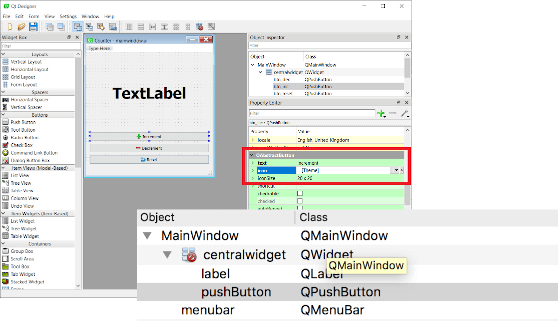
Build interfaces visually in Qt Designer's drag-and-drop editor, then load them straight into Python.
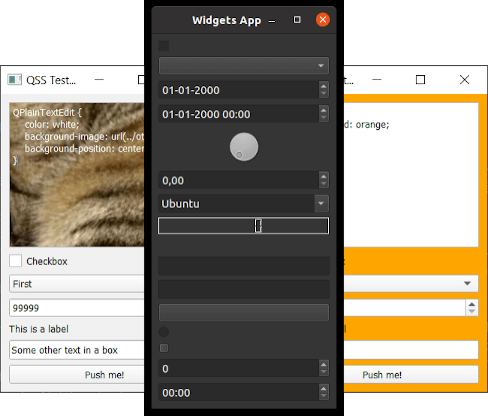
Customize almost anything with styles, palettes and Qt Style Sheets to completely change the look and feel of your apps.
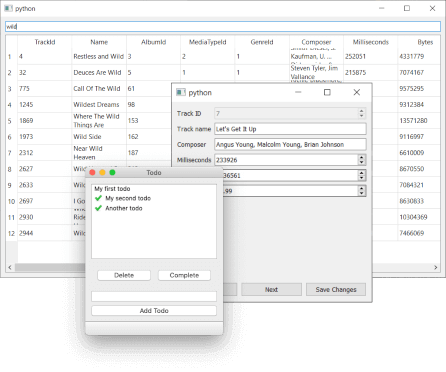
Use Qt's model/view architecture to display SQL databases, numpy and pandas data, and keep widgets in sync automatically.
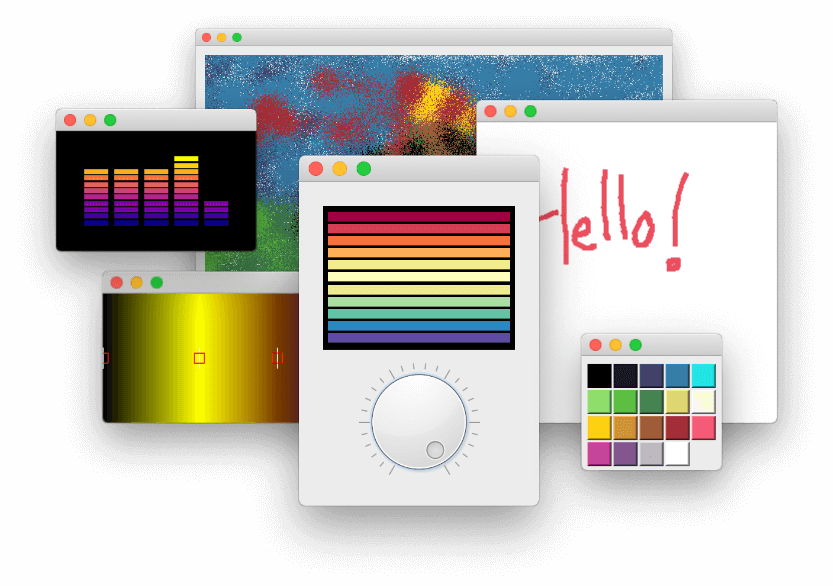
Start with bitmap graphics and QPainter, and build up to entirely custom-drawn widgets of your own.
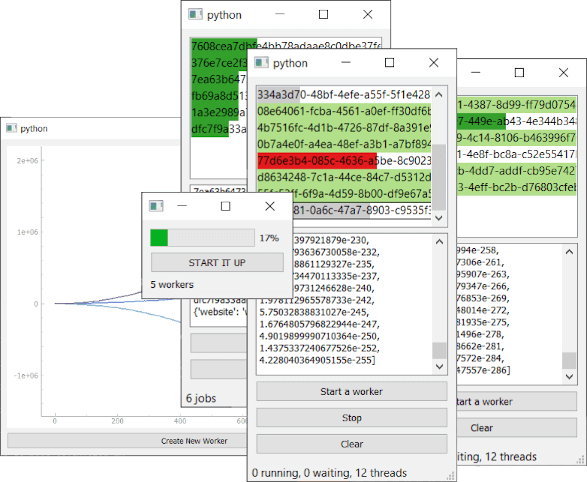
Keep your app responsive with threads and processes — with progress bars, thread managers and external programs.
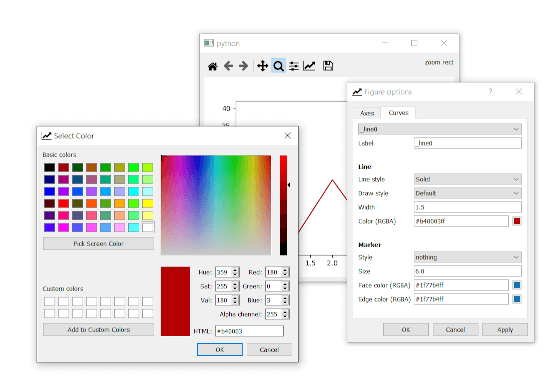
Embed matplotlib and PyQtGraph plots, and use threads to build live dashboards.
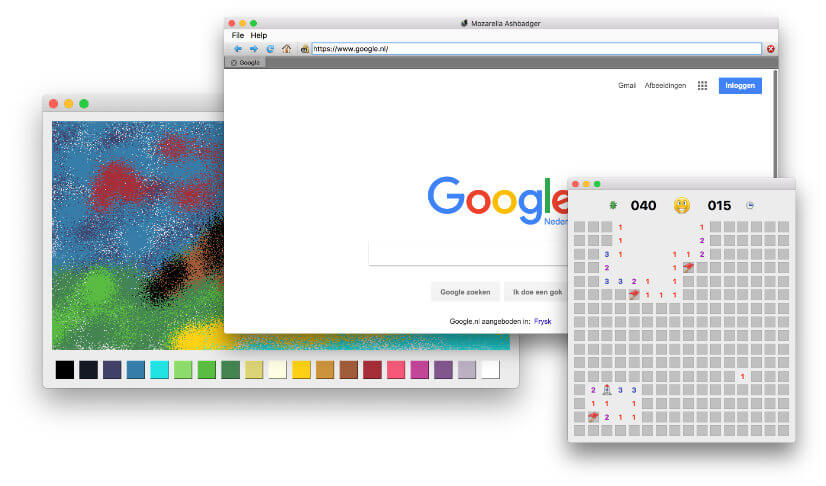
Go beyond examples: build a web browser, Minesweeper, a Paint app and a Todo list using everything you've learned.
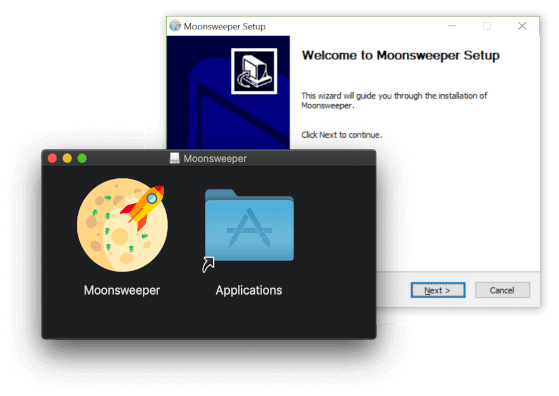
Package your PyQt5 apps and create installers for Windows, macOS and Linux, ready to share.
Not your average ebook
Forget thin pamphlets that just cover the basics. Create GUI Applications has been regularly improved and extended following reader feedback — now at over 750 pages, you benefit from the combined experience of thousands of readers.
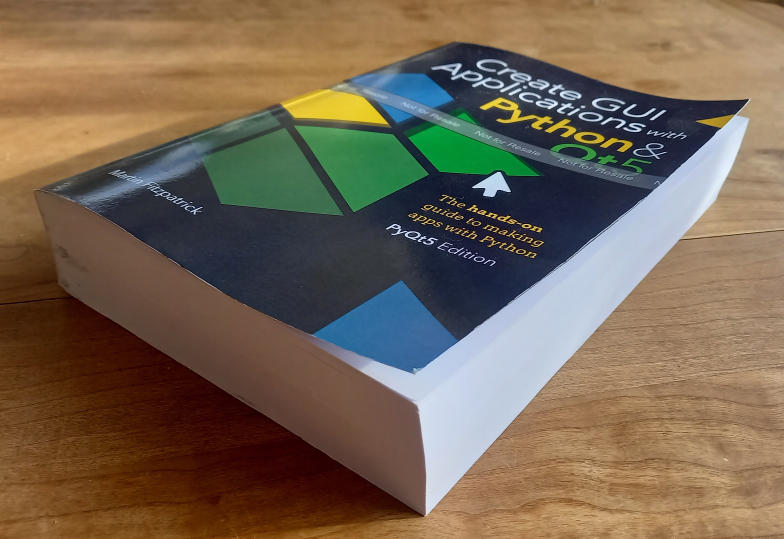
Table of contents

Your guide
Python programmer, author and tutor. Martin started out building desktop applications to make data-analysis tools more user-friendly — starting with Tk, moving to wxWidgets and finally adopting PyQt & PySide. He's been teaching PyQt for 8 years: "I know the problems you're facing, because I've seen them before."
Get the book
PyQt5 Edition
[[ displayPrices['pri_01hafjvt3nhfgsr558v1fxrx8m'] ]]
If you know you'll be using PyQt5 and don't need the other editions.
Get the PyQt5 bookAll four editions
[[ displayPrices['pri_01hf720z664x12fgdd74sjph7z'] ]]
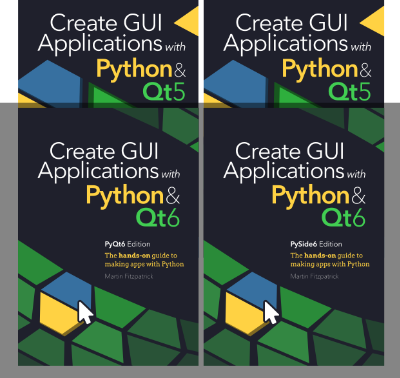
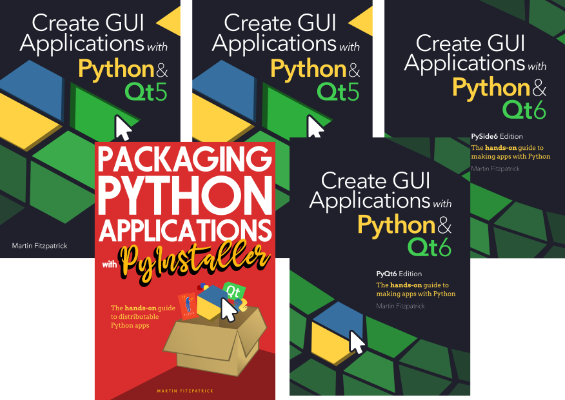
Not sure whether you need PyQt or PySide, 5 or 6? Get every current & future edition of Create GUI Applications and keep your options open.
Get the BundleEverything
[[ displayPrices['pri_01hf72pfd4x7s46jhcjcgh0q73'] ]]
All editions, Packaging Python Applications, and every Python GUI book I release, forever, for a one-time purchase.
Get the Bundle30-day money-back guarantee. If it's not for you, reply to your receipt email within 30 days for a full refund.
Both are Python bindings for Qt and nearly all code is the same; each edition covers the differences in an appendix. The main practical difference is licensing: PySide is LGPL, while PyQt is GPL or commercial. If you're not sure, the Create GUI Applications Book Bundle includes all four editions.
Qt6 is the current version and the best choice for new projects. Choose a Qt5 edition if you're working on an existing Qt5 codebase.
You get a downloadable ebook (PDF and ePub) along with the complete source code for every example.
After completing your purchase you'll receive an email with a link to download your files. Keep it secret, keep it safe.
Updates are free for life. You'll receive an email when new content is available (you can opt out if you wish).
Just reply to the purchase receipt email within 30 days and I'll refund you. If you could tell me why, that would be great too, but it's not necessary.
Just drop me an email.